![Fuse Logo_Horizontal Blue.png]](https://www.fuseinventory.com/hs-fs/hubfs/Fuse%20Logo_Horizontal%20Blue.png?height=40&name=Fuse%20Logo_Horizontal%20Blue.png)
-
Click
Purchasein the main menu. -
Select
Ordersfrom the dropdown options. -
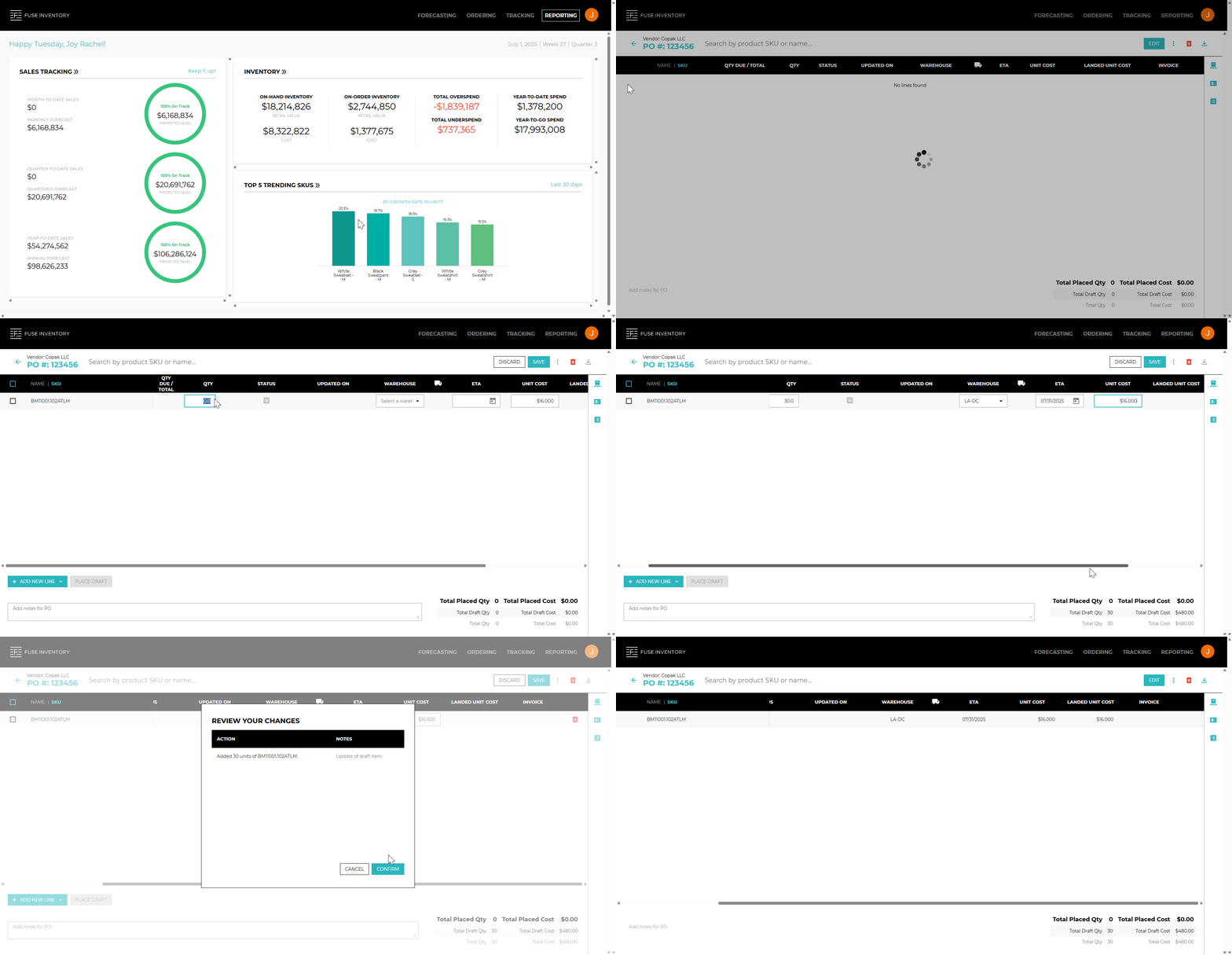
Open the PO you want to edit by clicking the PO # or the
»icon on the far right. -
On the top-right toolbar, click
Edit. -
Update SKUs individually, or select multiple SKUs using the checkboxes to make bulk updates.
- You Can Modify:
- Quantity
- Status
- Last updated date
- Warehouse
- ETA (Expected Arrival Date)
- Unit cost
- Landed unit cost
- Invoice
- PO notes - Click
Saveto review your updates. - Click
Confirmto apply the changes to the PO.
🔗 See also: